


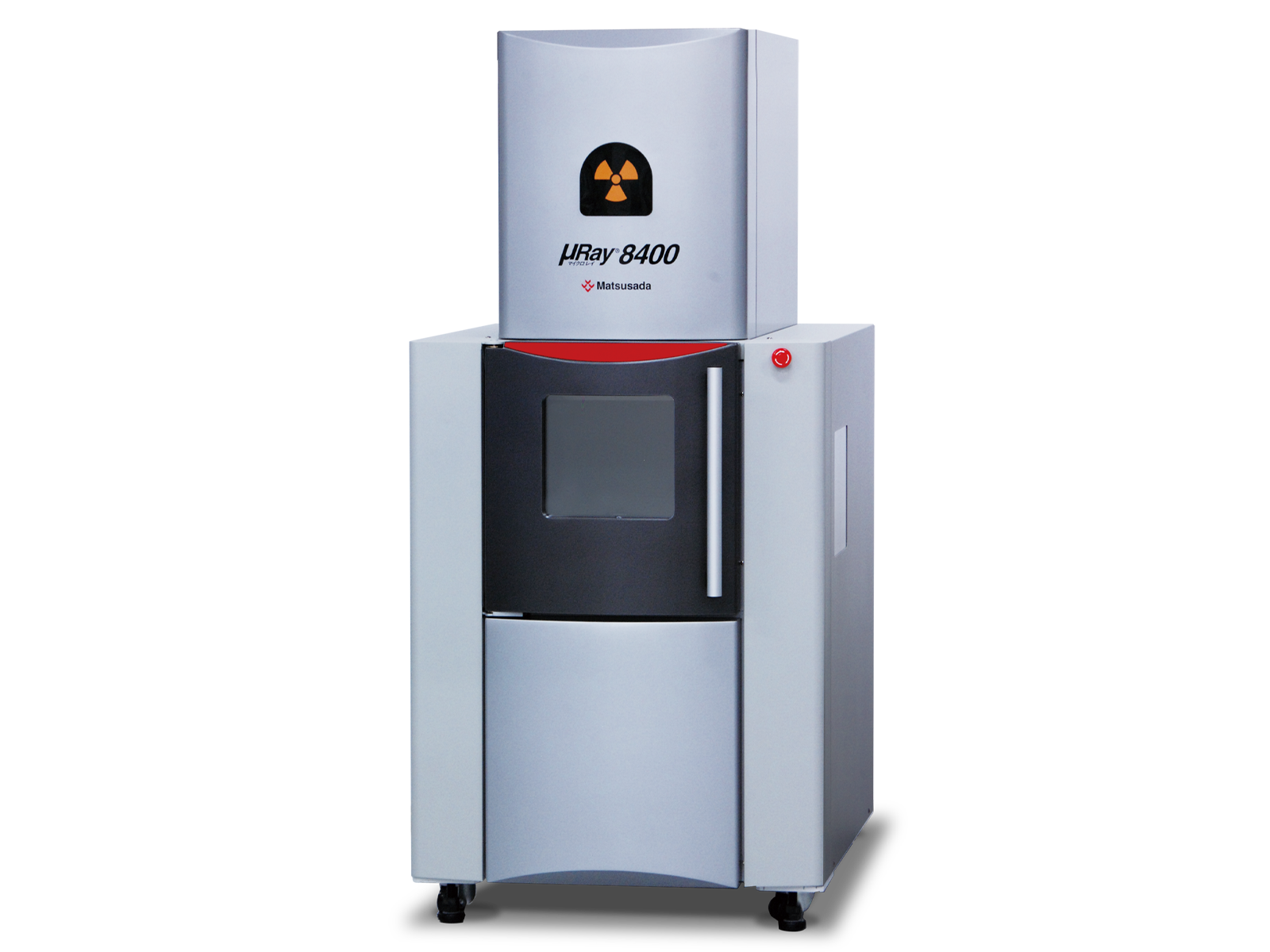
The µRay8400 is a well-established top-view X-ray inspection system. With its spacious chamber and robust design, it is optimized for the continuous batch processing of large quantities of samples, making it ideal for high-throughput production environments.
The μRay8400 is a long-established, top-view X-ray inspection system, renowned for its proven reliability and operational versatility. Its robust design and spacious inspection chamber make it exceptionally practical for high-throughput environments.
This system is optimized for continuous, batch inspection of a large number of items, streamlining quality control processes in a production line. The generous internal space easily accommodates a wide variety of sample sizes and custom fixtures, making it a highly adaptable workhorse for diverse inspection needs, from electronic components to small mechanical parts.

“High resolution” transmission imaging even with heavy metals
High-resolution Transmission with 130kV Microfocus X-ray Source by Easy Inspection
The system features a high-resolution microfocus X-ray source with a maximum tube voltage of 130 kV, making it suitable for inspecting large components and dense materials, including heavy metals.
With a minimum focal spot size of 5 µm, it is also available for magnified inspection.
In addition, it features adjustable stages that can be changed freely to a desired position and angle for inspection, along with the multifunctional image processing software, enhancing the operability.

Freely moving in/out sample and easy operation
Wide opening front door and large XY stage make it easy to take out and set samples.
Moreover, the product has a side window that helps the operator to easily observe the samples inside the unit, making the user stress-free.
Flexible Inspection of Lot/All Quantity
Helps to reduce mistakes and misjudgments in inspection points.
Teaching Function
Automatic movement to a specific point of the same type of samples
Using the teaching function, the stage is automatically moved to the points that have been set in advance.
Once the teaching data is set, you can repeatedly use the same place for imaging at the inspection of many samples of the same type, making inspection more efficient.
Additionally, the X-ray setting value, magnification ratio, stop time, etc., are configured individually for each point.
Stitching Function
Easy observation of the same sample in a micro and macro scale
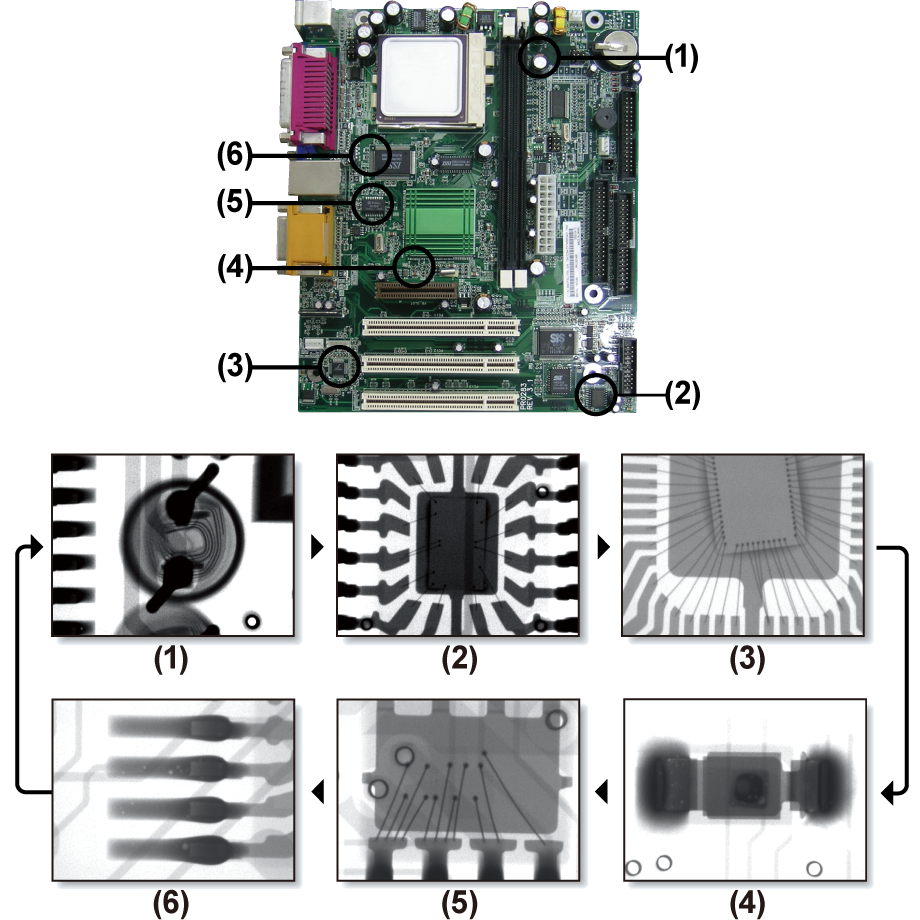
This function generates a single large-area image up to 350 mm × 350 mm, allowing for the observation of large workpieces that exceed the standard field of view. By simply clicking on a point within the stitched image, the stage automatically moves to that position for detailed inspection.
Also, you can create a transmission image of the specified portion of a large work.
Furthermore, once the stitched image is captured and saved, automatic movement is available to move the stage to the position clicked on the stitched transmission image by simply loading the image.
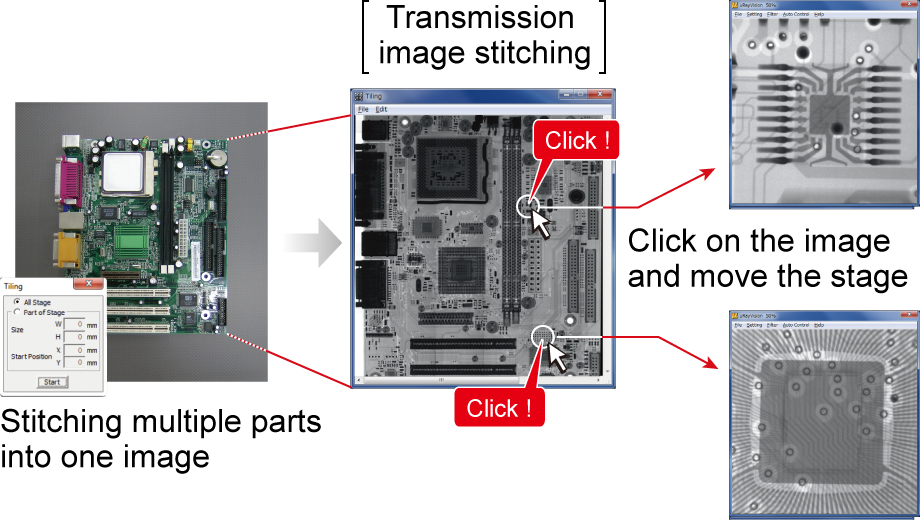
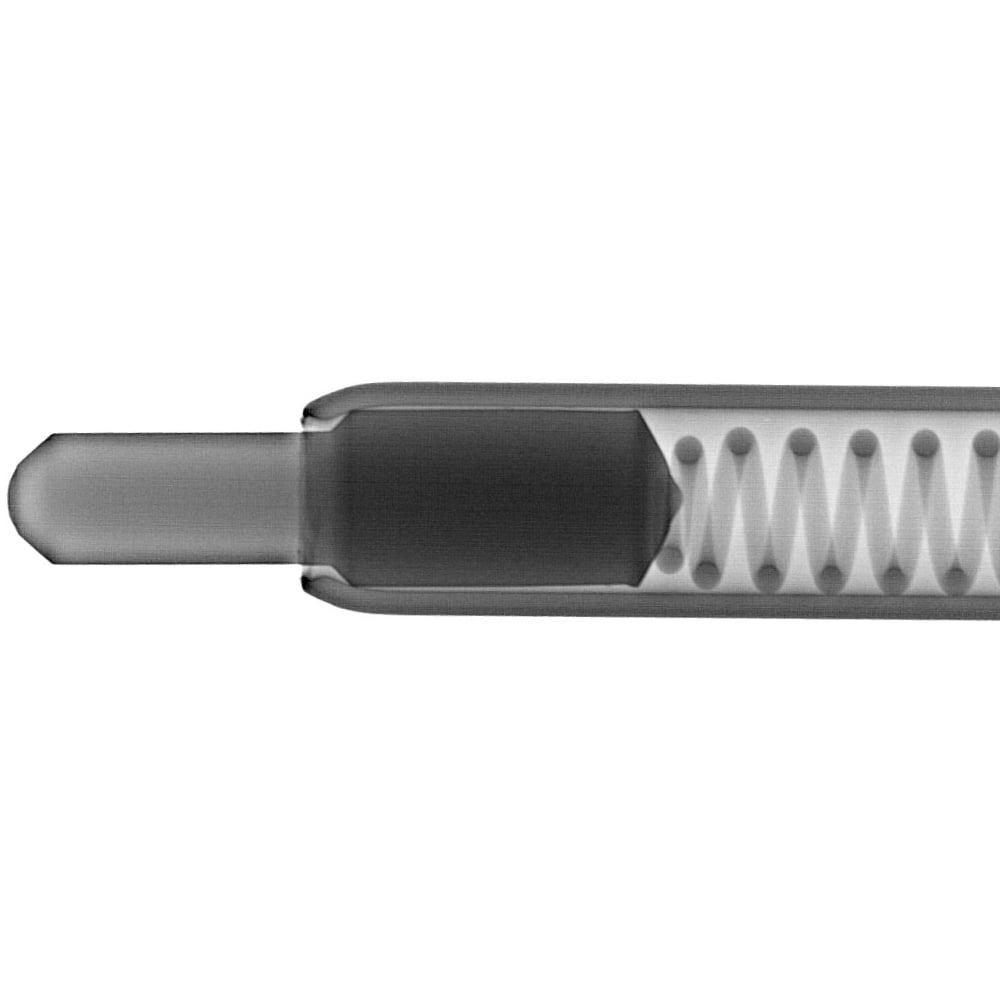
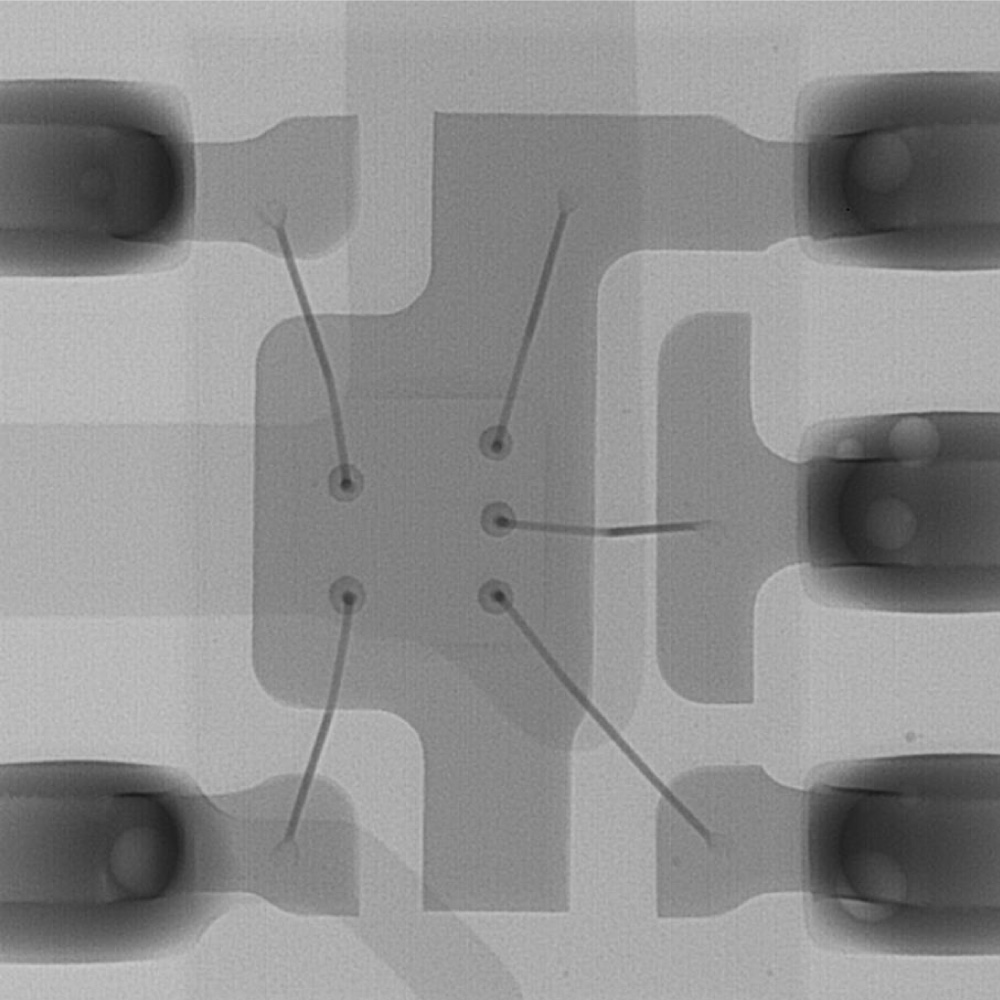
Image Gallery


Datasheets
If you are unable to download a file
Please try the following solution.
- Please press Ctrl+F5 to clear the cache of your web browser and try again.
- Please restart your web browser and log in again to try again.
- Please change your web browser to another browser and try again.
- Restart the computer and try again.
- Please try again on a different computer.
Login Required
-
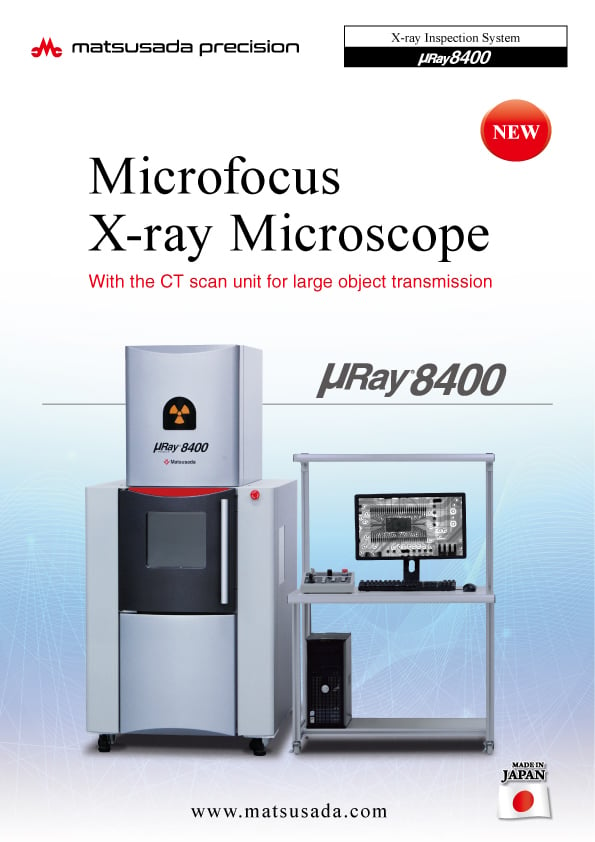
μRay8400 Datasheet
Date: 2025-01-22 Rev.07
PDF (5,444 KB) -
Microfocus X-Ray Inspection System Selection Guide
Date: 2025-05-07 rev.06
PDF (13,911 KB) -
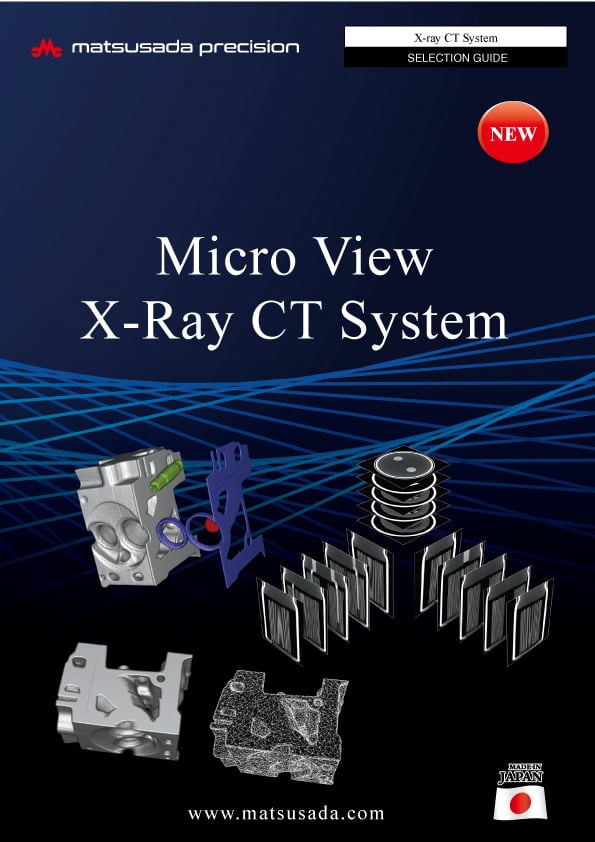
Micro View X-Ray CT System Guide
Date: 2025-09-12 Rev 08
PDF (4,989 KB)
Related Technical Articles
Similar products
-
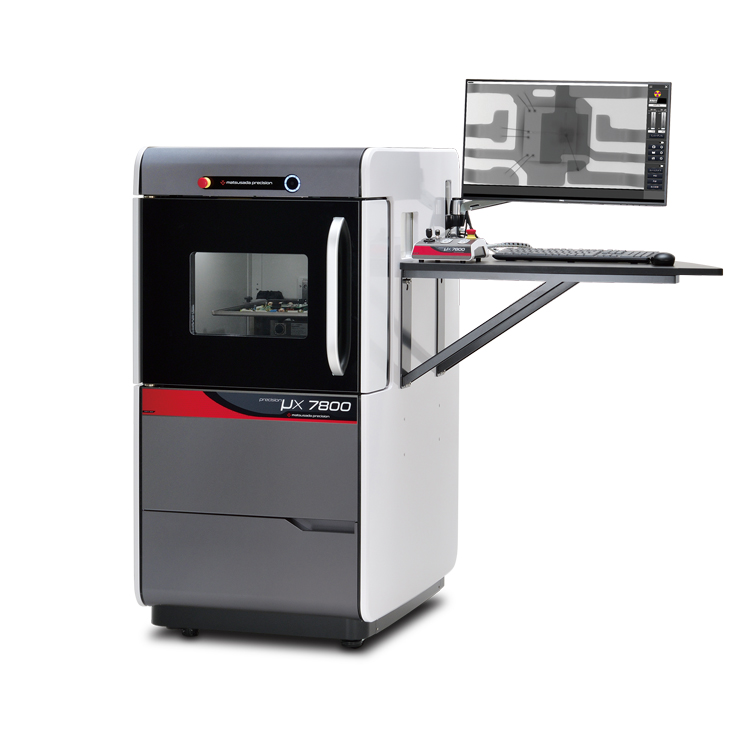
precision μX7800
- X-ray tube voltage
- 90 kV
- X-ray power
- 18 W
X-ray Inspection SystemVersatile General-Purpose Model
-
New
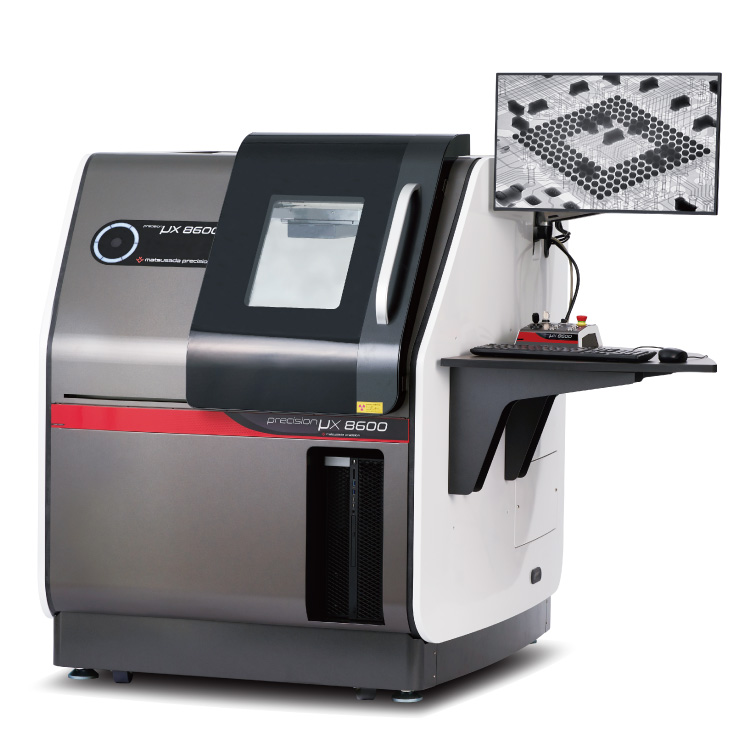
precision μX8600
- X-ray tube voltage
- 130 kV
- X-ray power
- 40 W
Microfocus X-Ray Inspection SystemOptimized for Large Samples and PCBs
-
New
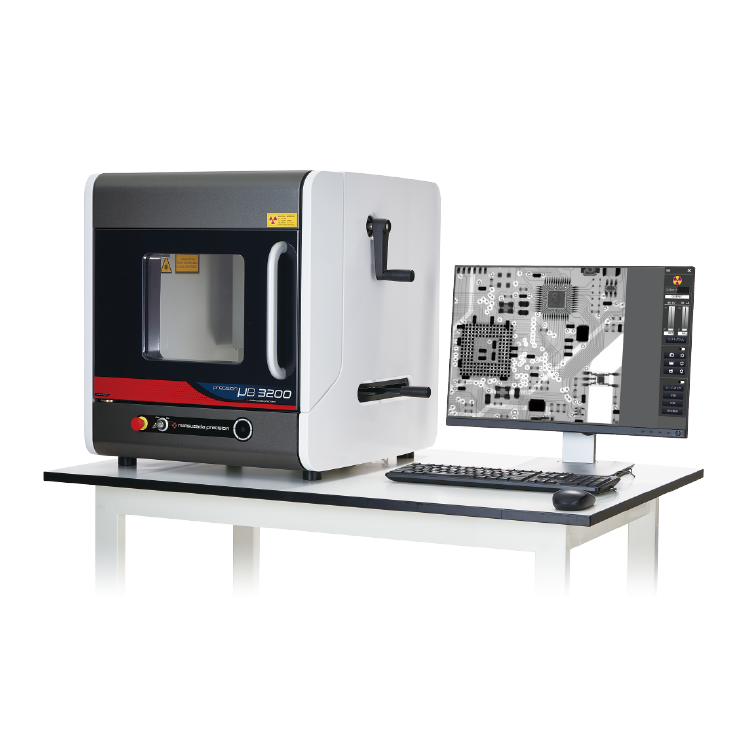
precision µB3200
- X-ray Tube Voltage
- 60 kV
- X-ray Power
- 9 W
X-ray Inspection SystemBenchtop Entry Model
Product Lineup:
X-ray Inspection SystemsUser Support
FAQ
- What is Microfocus X‑ray?
- What is the tube voltage for X‑ray inspection systems?
- What is the difference between medical and industrial X‑ray systems?
- What is the difference between sintering and die‑attach in power semiconductors?
- Is a license required for usage of X‑ray inspection system?
- How should the optimal X‑ray tube voltage be determined?