
Remote Control Software
Remote control software for DC power supplies
Centralized Remote Control Software for Power Supply Systems
The DigiCon series is a remote control software designed to manage Matsusada Precision power supplies via LAN connectivity. It enables the centralized control of multiple units—simultaneously or individually—streamlining operations for diverse applications.
Its intuitive Graphical User Interface (GUI) allows users to set up automated inspection systems and sequences quickly, without requiring advanced programming knowledge. The software also seamlessly integrates with external instruments such as digital multimeters, data loggers, and environmental chambers. With real-time logging, graphing capabilities, and data storage, DigiCon significantly improves measurement efficiency for R&D and production lines.
FEATURES
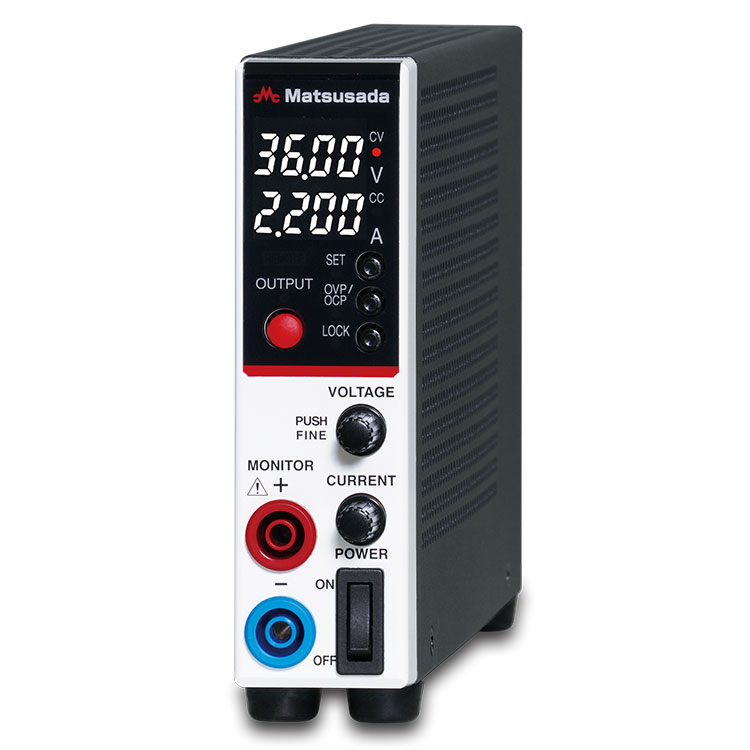
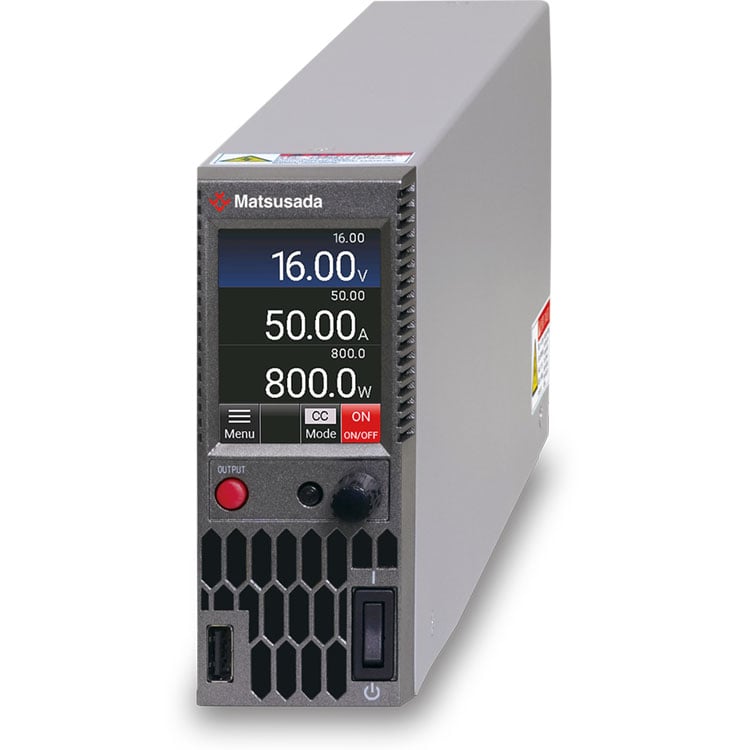
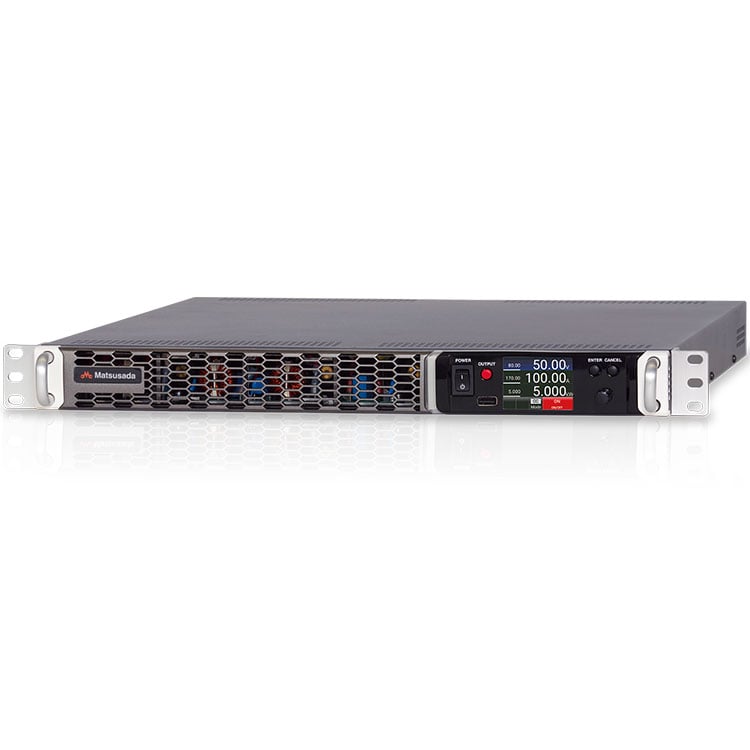
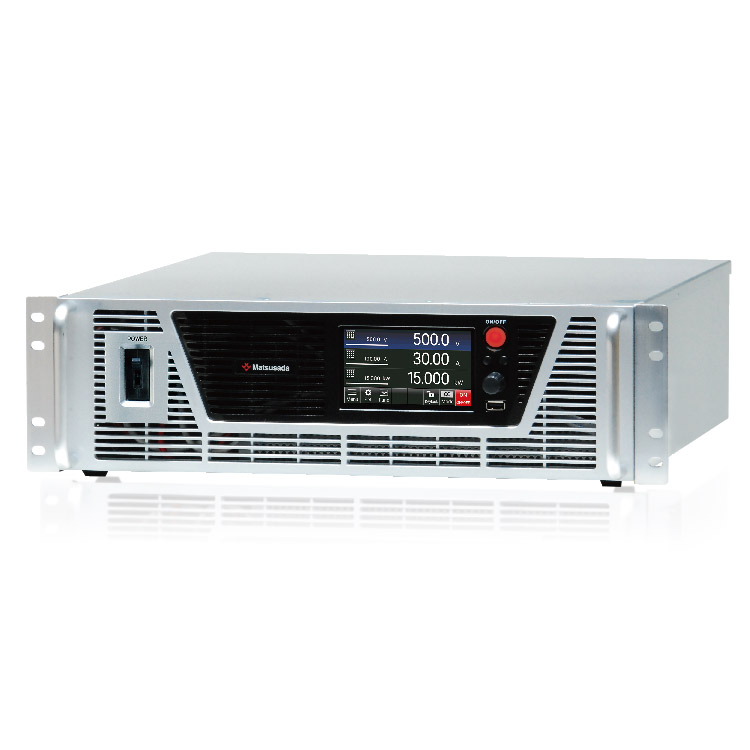
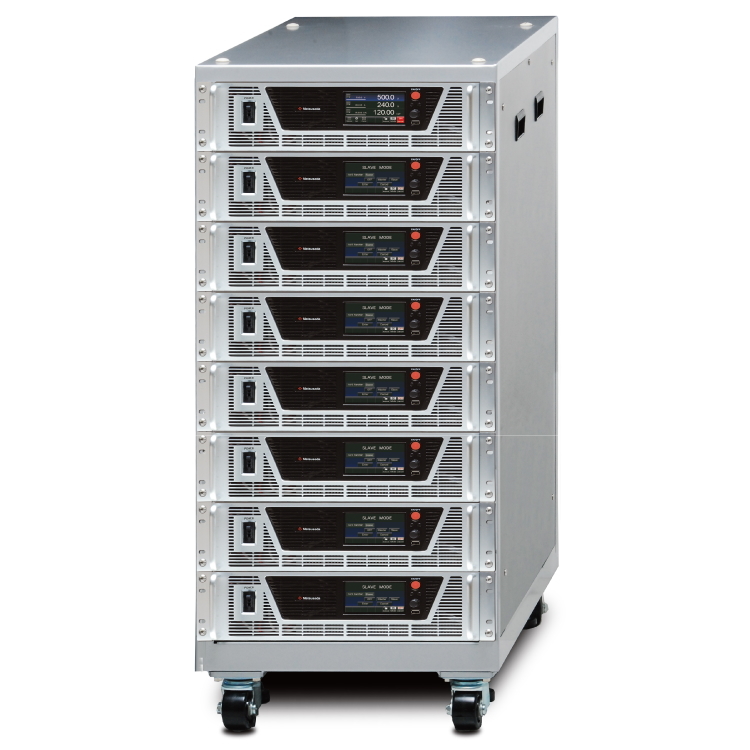
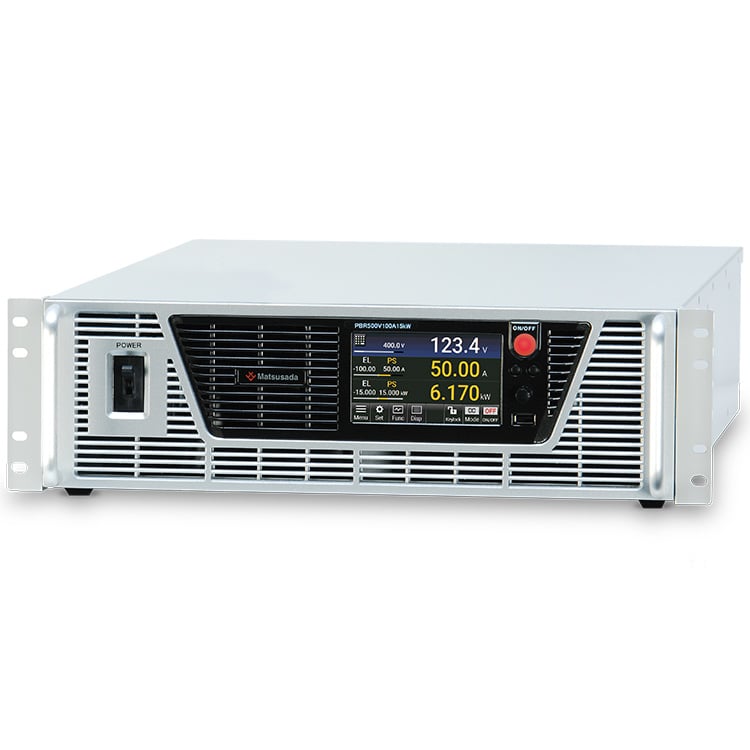
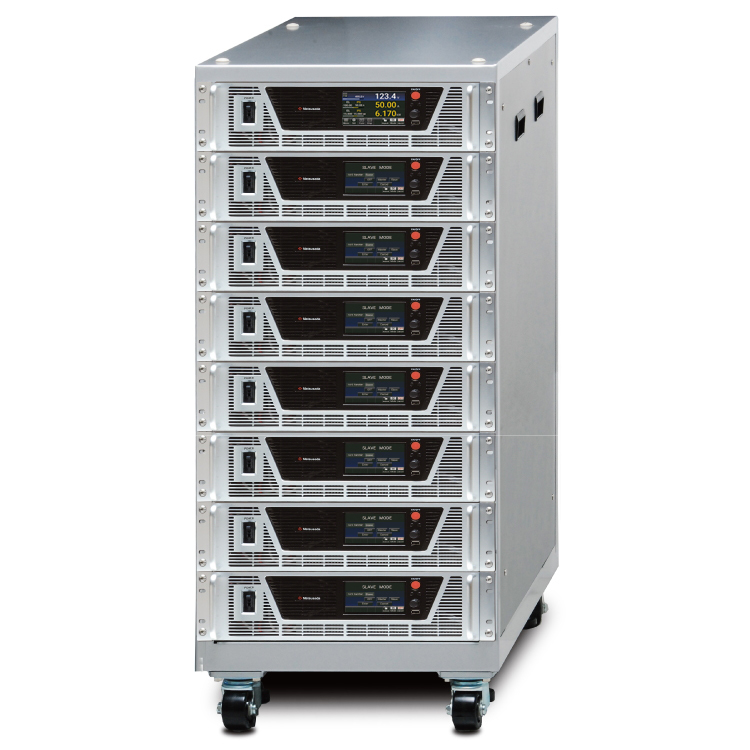
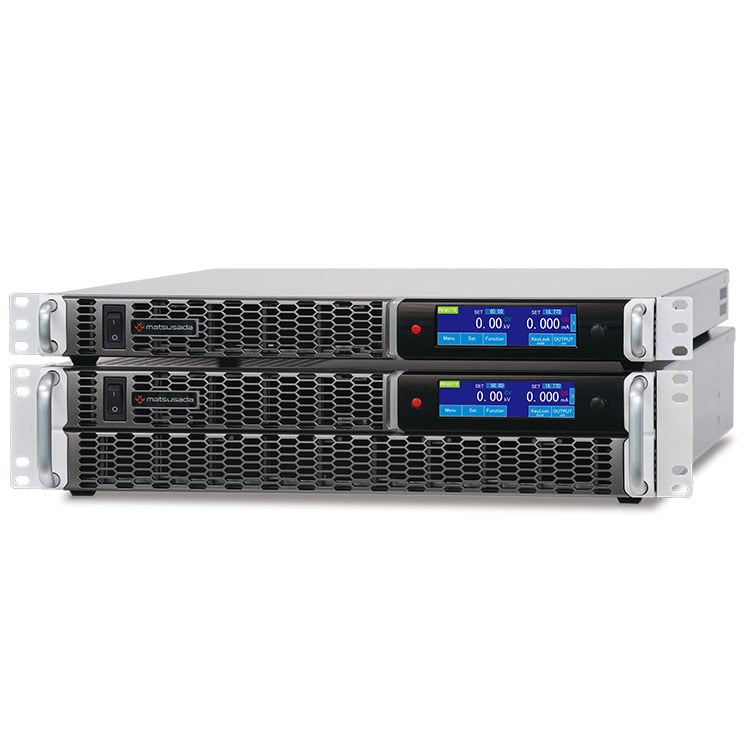
- Comprehensive Device Support: Controls DC power supplies (P4KF, PKTS, PRKT, PRT/PRTM), High-Voltage power supplies (HARS), and Bidirectional power supplies (PBR/PBRM).
- Full Remote Management: Offers complete remote control capabilities via LAN.
- Modular Design: Comprises dedicated "Configuration" and "Operation" software modules for optimized workflow.
- External Integration: Seamlessly interfaces with digital multimeters, data loggers, and environmental chambers.
- Intuitive GUI: User-friendly Graphical User Interface designed for easy operation.
- No-Code ATE Construction: Build Automatic Test Equipment (ATE) systems without requiring programming skills.
- Data Management: Features real-time logging, graphical monitoring, and data storage.
Seamless Integration with External Measurement Instruments
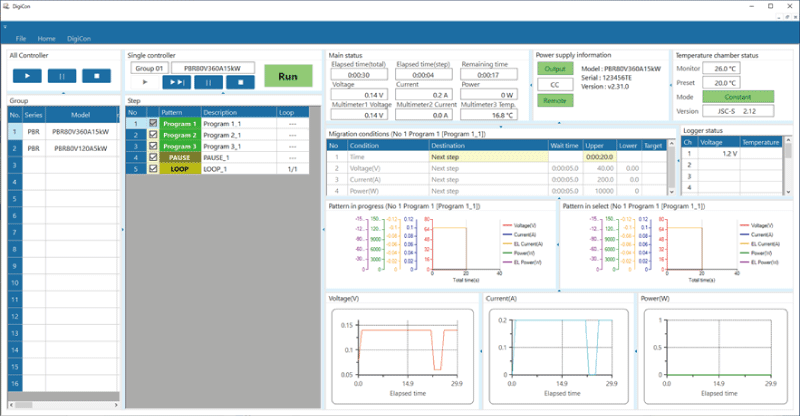
The software enables program transitions based on external conditions by integrating with instruments such as digital multimeters, data loggers, and environmental chambers. This advanced functionality allows the sequence to proceed to the next step immediately when specific conditions are met, without waiting for a fixed timer. It also ensures safety by terminating the program automatically if an error or anomaly is detected during operation.
Rapid Construction of Automatic Test Equipment (ATE)
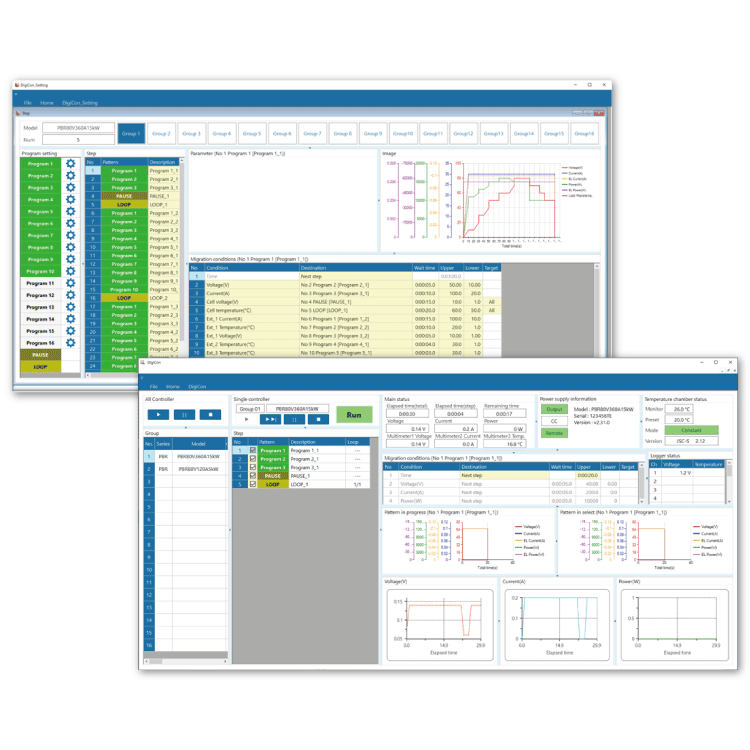
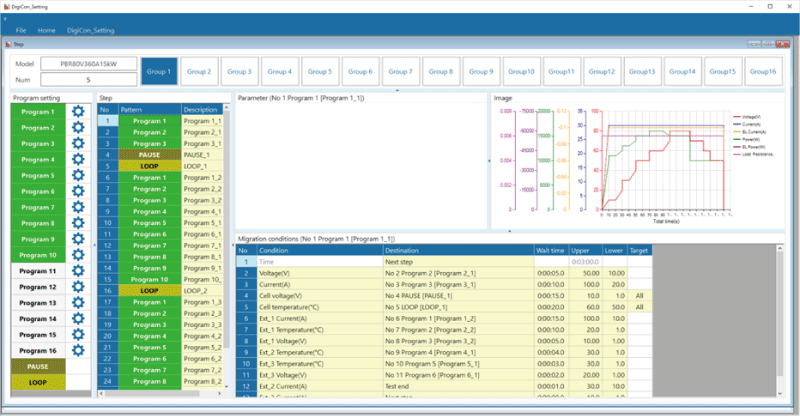
The intuitive Graphical User Interface (GUI), featuring visual displays of set values, simplifies operation. Users can build Automatic Test Equipment (ATE) and inspection systems quickly without any programming knowledge. DigiCon is ideal for a wide range of applications, including long-term reliability testing for electronic components in automotive, home appliance, and medical fields.
Models
| Model name of DigiCon series | Compatible Power Supplies | ||
|---|---|---|---|
| DigiCon-P4KF | Inquiry | DC power supplies | P4KF-80 series |
| DigiCon-PKTS | Inquiry | PKTS series | |
| DigiCon-PRKT | Inquiry | PRKT series | |
| DigiCon-PRT | Inquiry | PRT series/PRTM series | |
| DigiCon-PBR | Inquiry | Regenerative power supplies | PBR series/PBRM series |
| DigiCon-HARS | Inquiry | High voltage power supplies | HARS series |
Specifications
For details, download the datasheet below.
| Supported operating system (OS) | Windows 10 (64bit), Windows 11 (64bit) (Microsoft. NET Framework 4.7 or higher is required) |
|---|---|
| Computer specifications | CPU-Intel Core i5 or higher, RAM-16GB or higher, SSD-128GB or higher, Monitor 1920 px × 1080 px or higher |
| Sequence setting | Number of control groups: 16 / Number of programs: 16 / Number of steps: 1024 |
| Output setting | Time Units: Hours, Minutes, Seconds Setting Range: 0 to 3600.0 seconds (0:00:00.0 to 9999:59:59.9 for PAUSE and LOOP) Step Time Resolution of steps: 0.1 sec. Repetitions: Up to 9999 cycles |
| Setting | Voltage setting range and accuracy: Matches or exceeds the setting resolution and accuracy of the connected power supply model. Current setting range and accuracy: Matches or exceeds the setting resolution and accuracy of the connected power supply model. Power setting range and accuracy: Matches or exceeds the setting resolution and accuracy of the connected power supply model. Resistance setting range and accuracy: Matches or exceeds the setting resolution and accuracy of the connected power supply model. Protection setting: Matches or exceeds the setting resolution and accuracy of the connected power supply model. |
| Data logging | Minimum sampling rate resolution: 10 msec Sampling rate setting range: 10 msec to 600.000 msec (0.01 s to 600 s) Logging accuracy: Depends on model |
| License | USB dongle (type A port x 1) *USB key caps will gradually be discontinued starting with shipments in 2026. |
FAQ
- Q What capabilities does DigiCon offer?
-
A
- Program multiple power supplies to operate in sequence, monitor status, and log data.
- Remotely control and monitor equipment, and store operation logs.
- The package includes three modules: Sequence Configuration, Execution, and Log Viewer software.
- Q What are the advantages of using DigiCon?
-
A
It allows you to create sequence control programs simply by setting parameters, making it ideal for repeated testing procedures. It also automatically logs data, providing reliable evidence for quality assurance and testing records.
- Q How is it different from traditional automated test software PSS2en?
-
A
- Fast sampling rate for data logging
- Able to set transition conditions for programs
- Can be linked to multimeters and data loggers
- Separate configuration and execution software
- Sequence programs can be reused
Download
If you are unable to download a file
Please try the following solution.
- Please press Ctrl+F5 to clear the cache of your web browser and try again.
- Please restart your web browser and log in again to try again.
- Please change your web browser to another browser and try again.
- Restart the computer and try again.
- Please try again on a different computer.
-
DigiCon series Datasheet
Date: 2025-11-24 rev 03
PDF (1,594 KB)
-
DigiCon Instruction Manual
Date: 2025-03-25 rev 0.2
PDF (4,541 KB)
Login Required
-
DigiCon series Datasheet
Date: 2025-11-24 rev 03
PDF (1,594 KB)
-
DigiCon Instruction Manual
Date: 2025-03-25 rev 0.2
PDF (4,541 KB)
On this website, we provide only the latest versions of information and instruction manuals for our products. Therefore, the newest versions of manuals on the website may differ from those that came with products you purchased in the past.